Gate and kiosk · 025.8
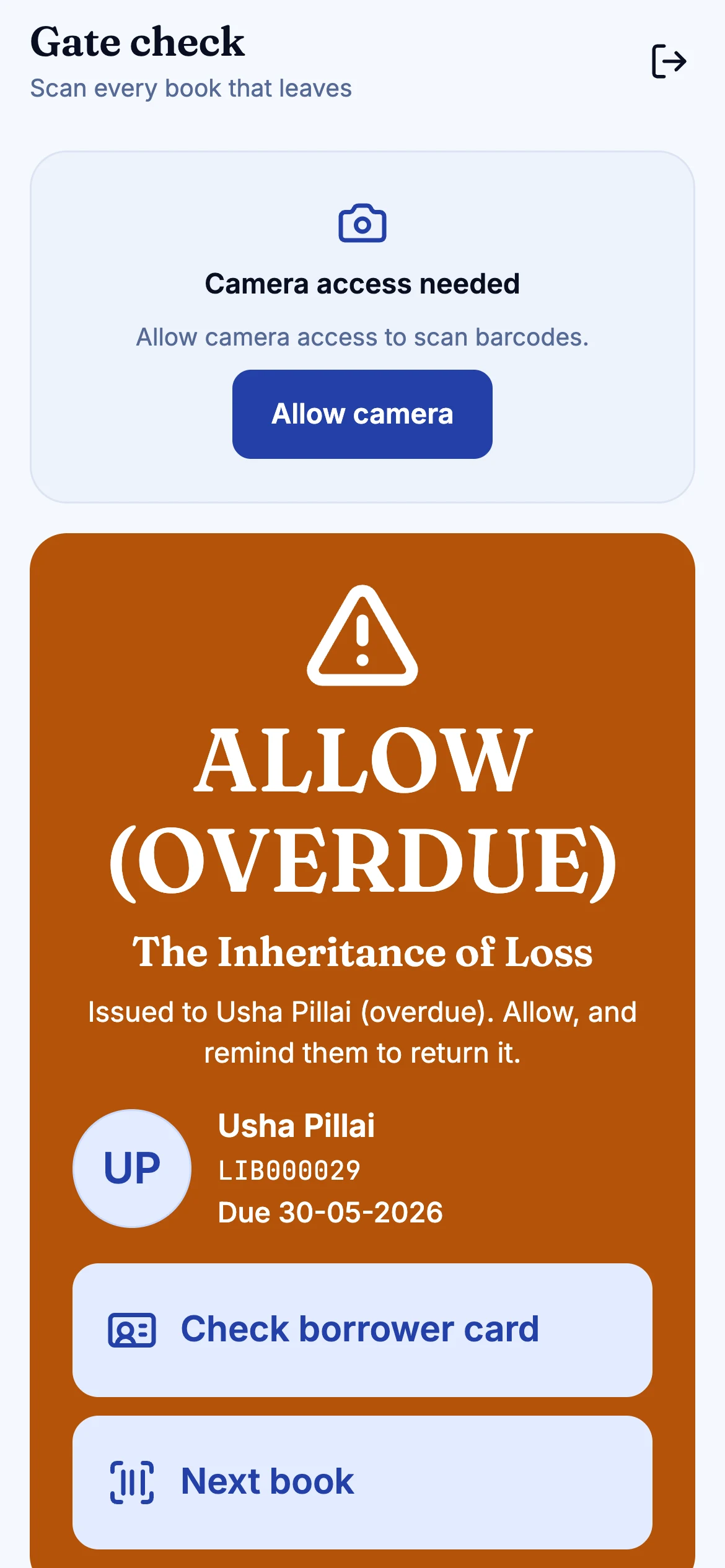
A guard role that sees only what a guard needs: scan a book's QR and see green, amber or red, who it is issued to and when it is due. And a kiosk flow so members can serve themselves.
What is in it
A role for the door
The guard role sees the Gate Check screen and nothing else: no catalogue access, no patron search.
QR first
Every book carries a QR code as well as a barcode, so a phone can read it at the gate.
Who and when
The result shows who the book is issued to and its due date, not just a beep.
On the mobile app
The gate check is a screen in the staff app, so no new hardware is needed to start.
Kiosk flow
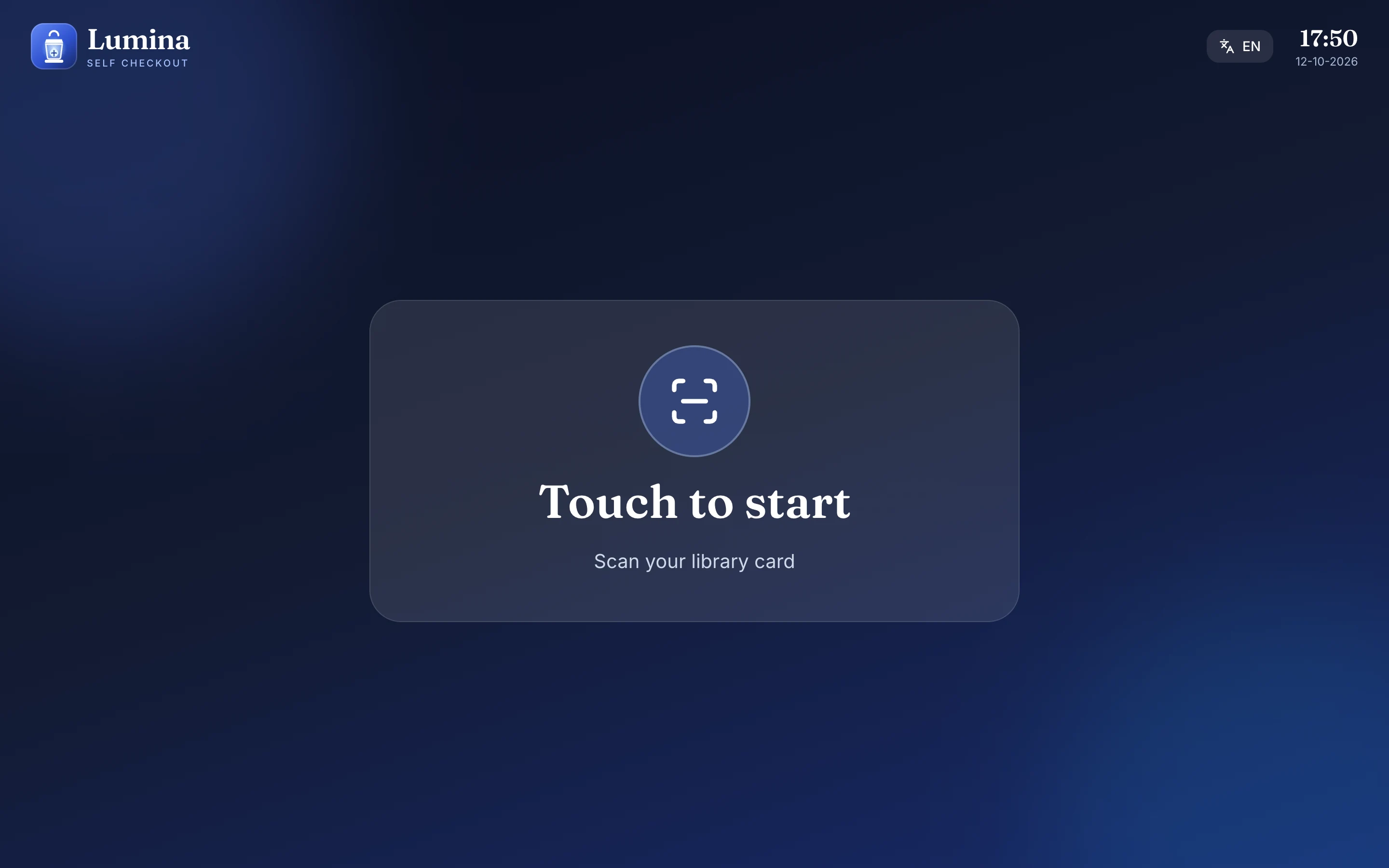
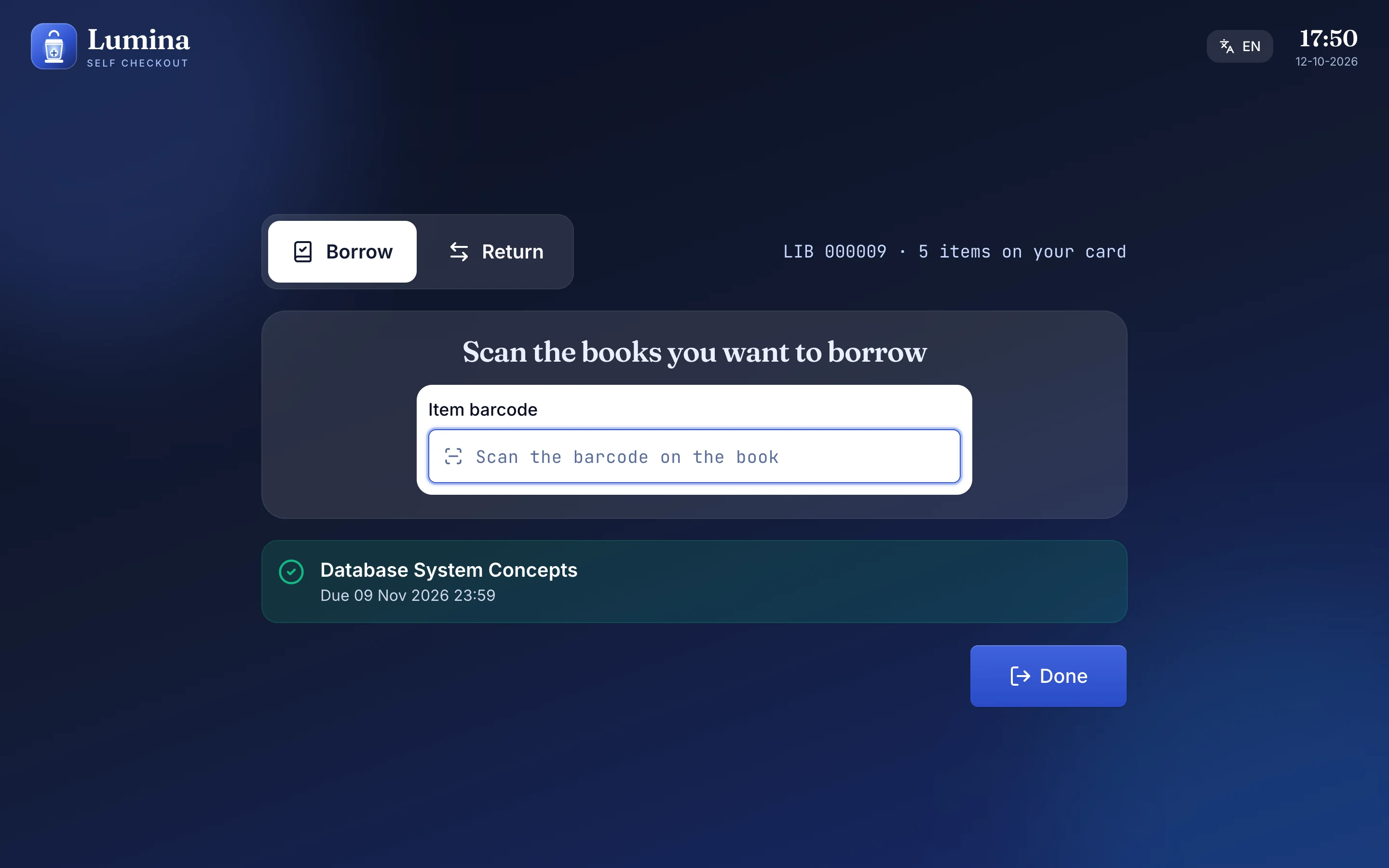
A self-service flow in the web app where a member scans a card and a book.
Least privilege
Roles and granular permissions mean a guard cannot do what a librarian can.
01
At the gate
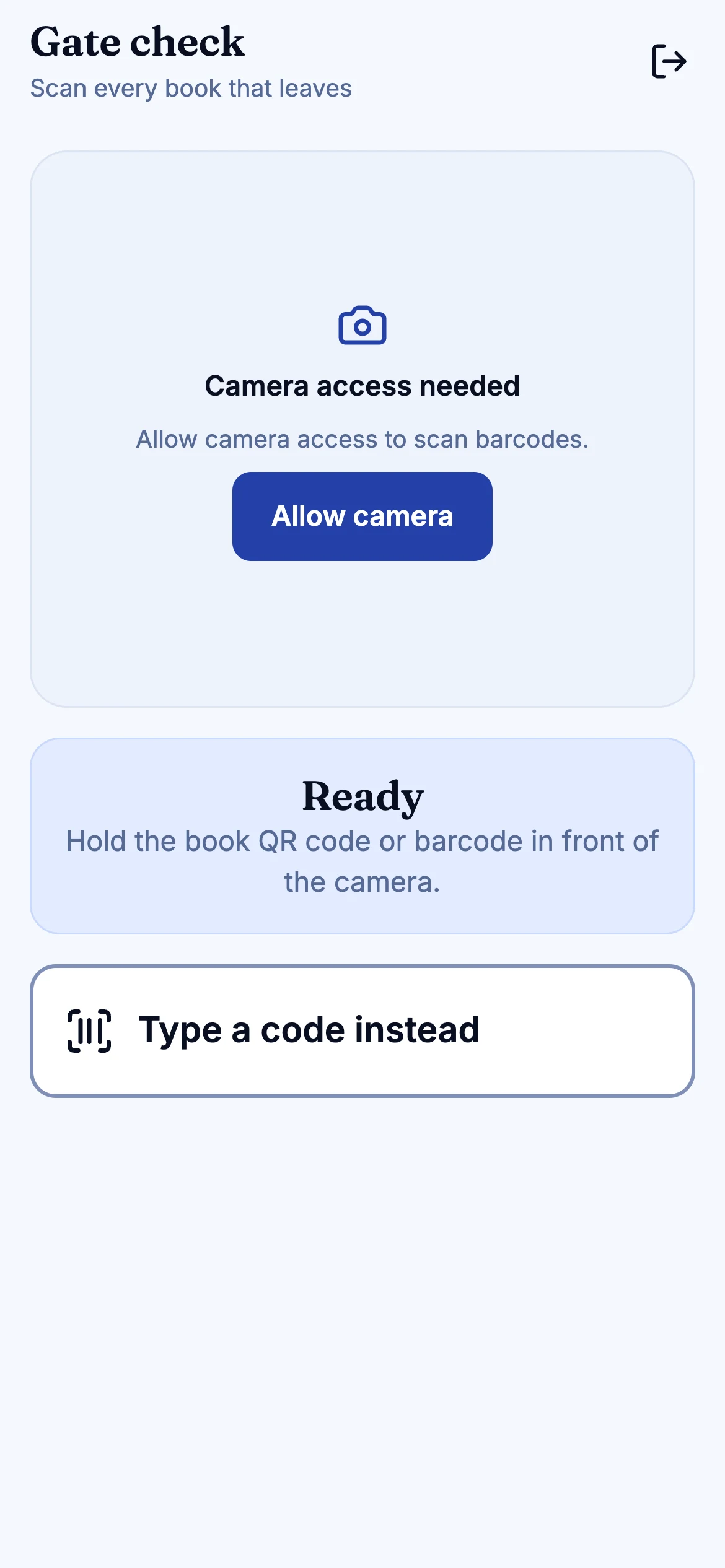
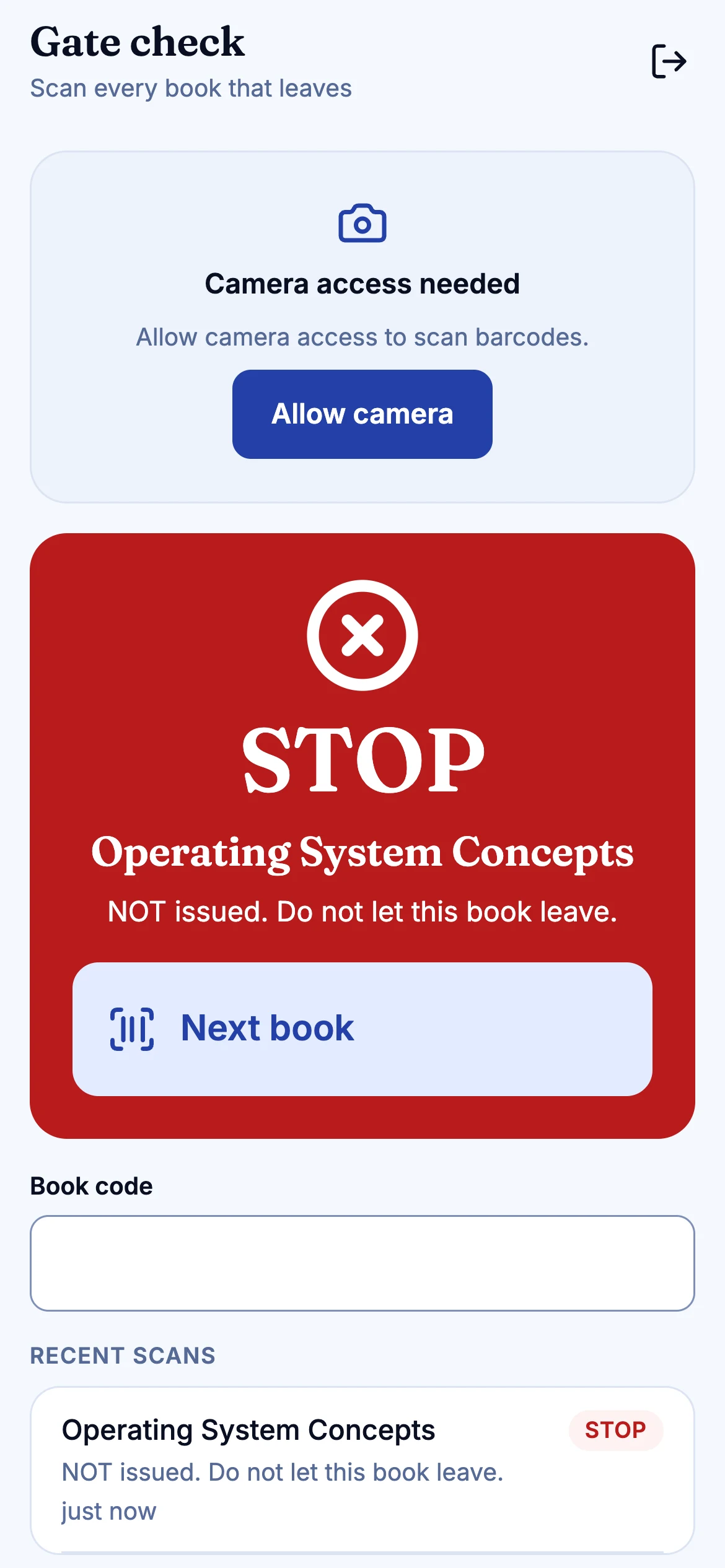
Ready, scan, result. Green allows, amber allows an overdue book with a reminder to return it, and red means stop: not issued. The guard never needs to open a record.
02
The kiosk
A full-screen, touch-friendly flow for members to scan their card and their books, in English or Hindi.
Also included
- Gate check from the staff mobile app
- Labels with barcode and QR
- Role-based tabs
- Audit of who did what
Plainly: not built yet
- SIP2 (for third-party self-checkout and gate hardware)
- RFID
- Self check-in
- NCIP
These are in the Koha feature-parity list as Planned. See the roadmap.
Questions
Does this work with our existing security gates?
Not directly. Gates and self-checkout machines that speak SIP2 or read RFID tags are not supported yet. Lumina's gate check is a mobile screen operated by a guard. If SIP2 or RFID is essential, tell us before we talk further.
Is the kiosk the same as self-checkout hardware?
No. The kiosk is a flow in the web app, suited to a tablet or touch screen with a scanner. The parity matrix lists full self-checkout as still in progress.
Keep reading
Next step
See your library in Lumina.
Thirty minutes, your questions, and a walk through the desk, the catalogue and the Koha import. No slides.