Mobile apps · 025.7
Two Expo apps. The staff app has role-based tabs, simple Issue, Return and Re-issue buttons, shelf-reading and a guard-only Gate Check. The member app carries the library card, loans, holds and fines.
What is in it
Scan anywhere
Scan a book or a member card with the phone camera; simple buttons for Issue, Return and Re-issue.
Tabs by role
A clerk sees the desk; a cataloguer sees search; a guard sees one screen. The app shows what your role allows.
Gate Check for guards
A guard-only screen: scan the QR, see green, amber or red.
Shelf reading
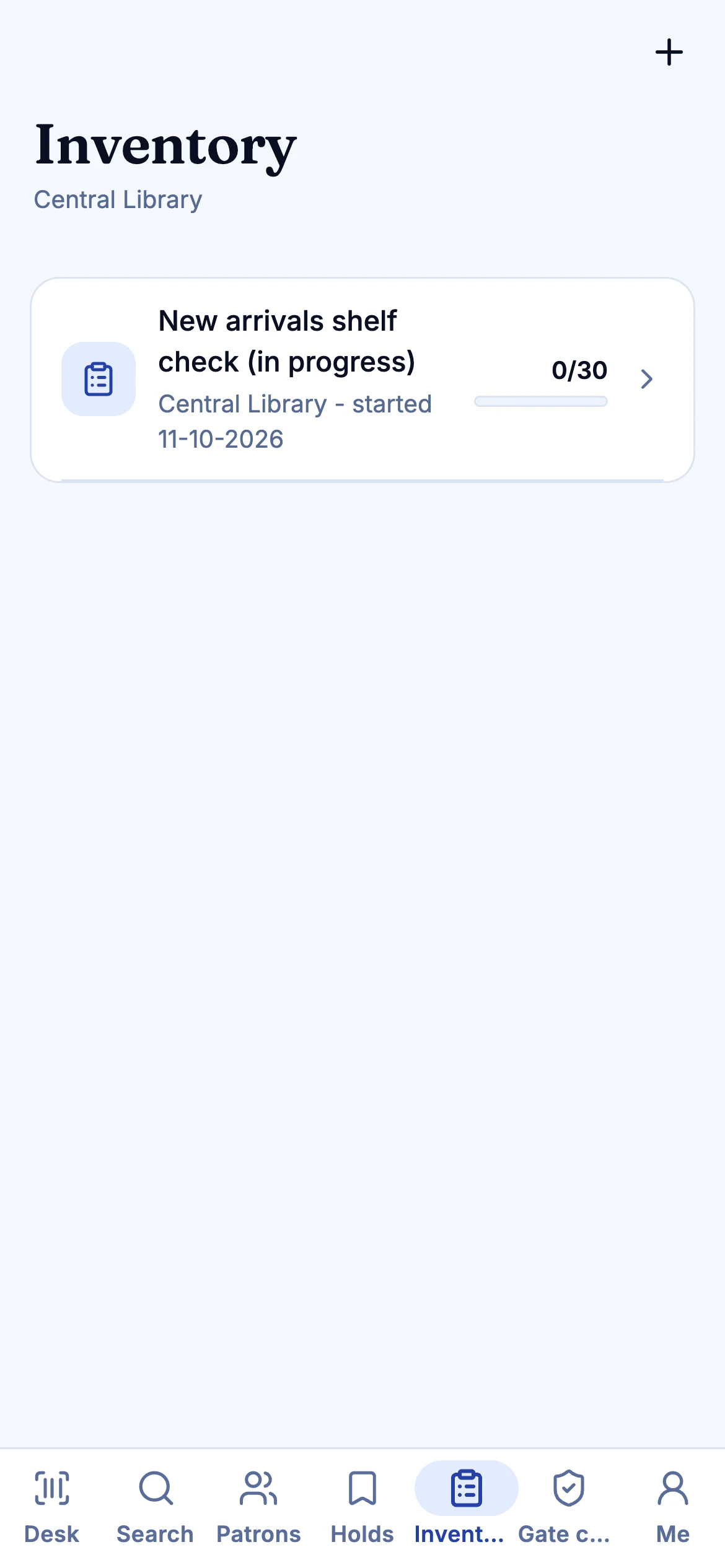
Inventory sessions on the shelf, with an offline action queue.
A card in the pocket
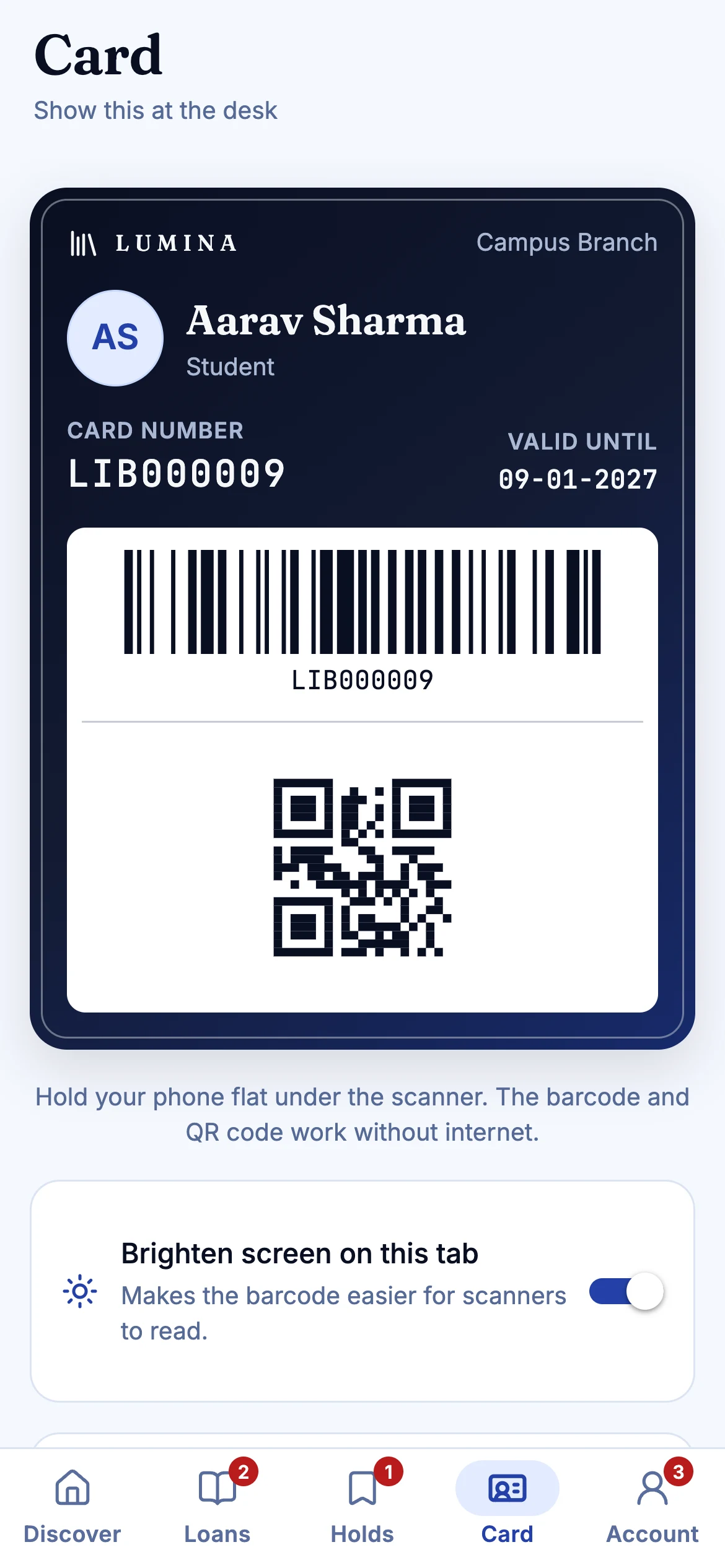
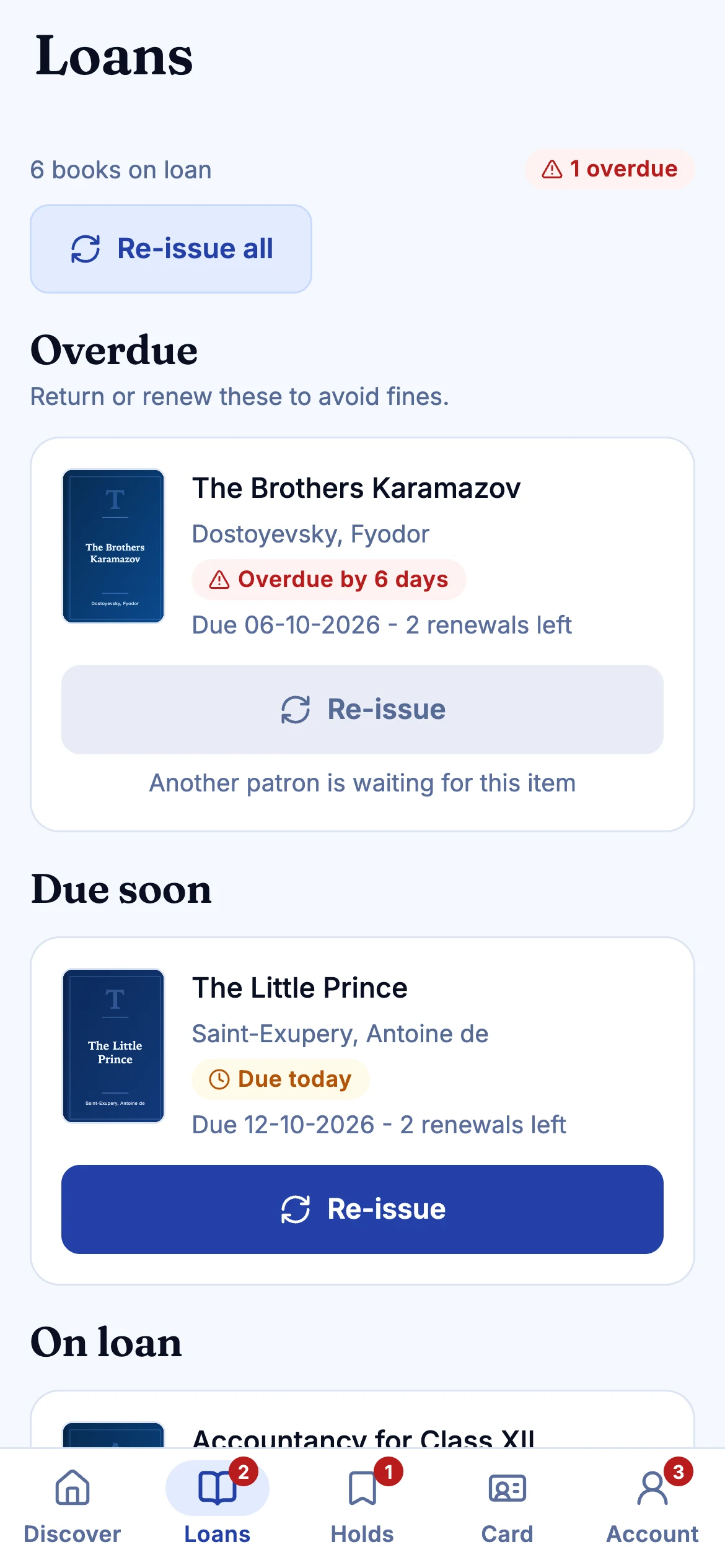
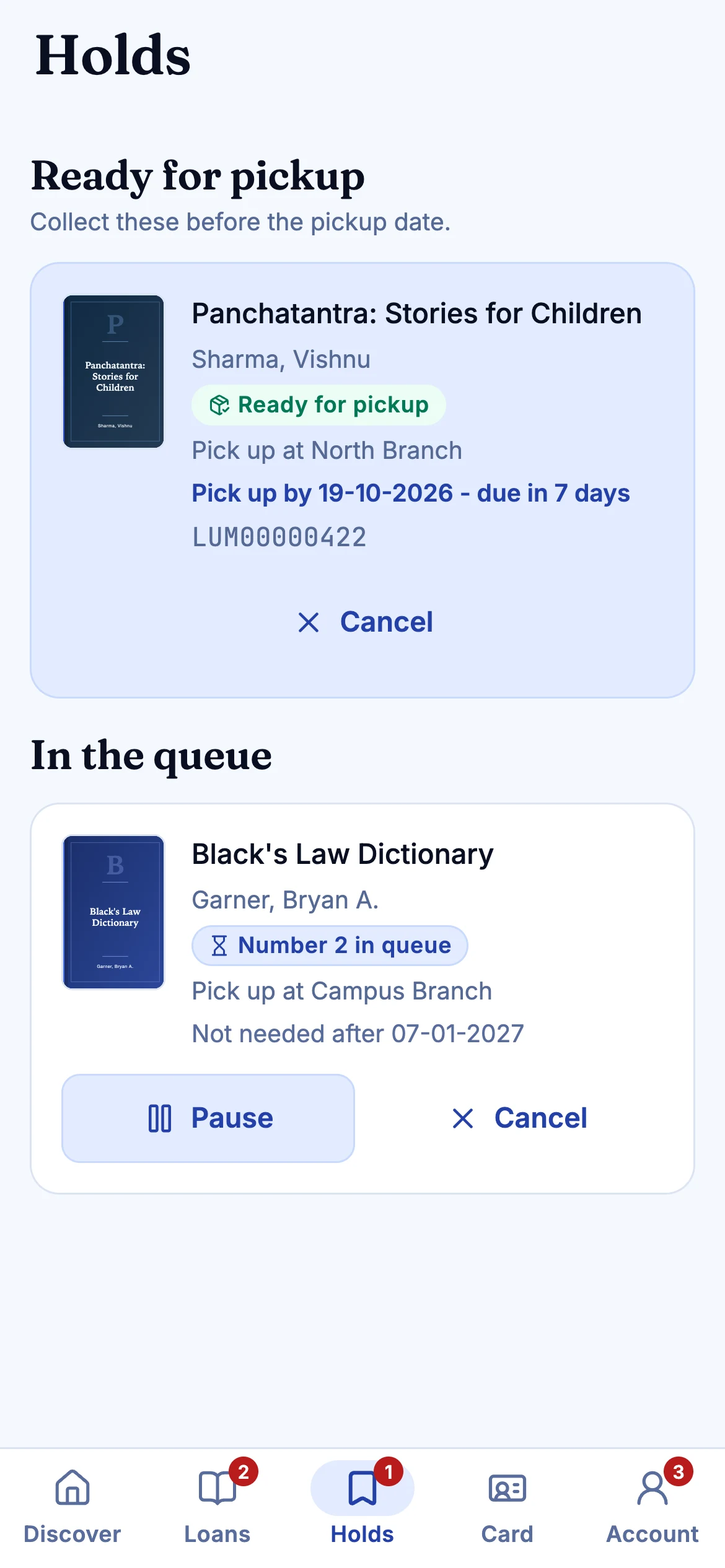
Members get a scannable library card in the app, plus loans, holds and fines.
Push notices
The same notice system reaches members as push alongside email, SMS and WhatsApp.
01
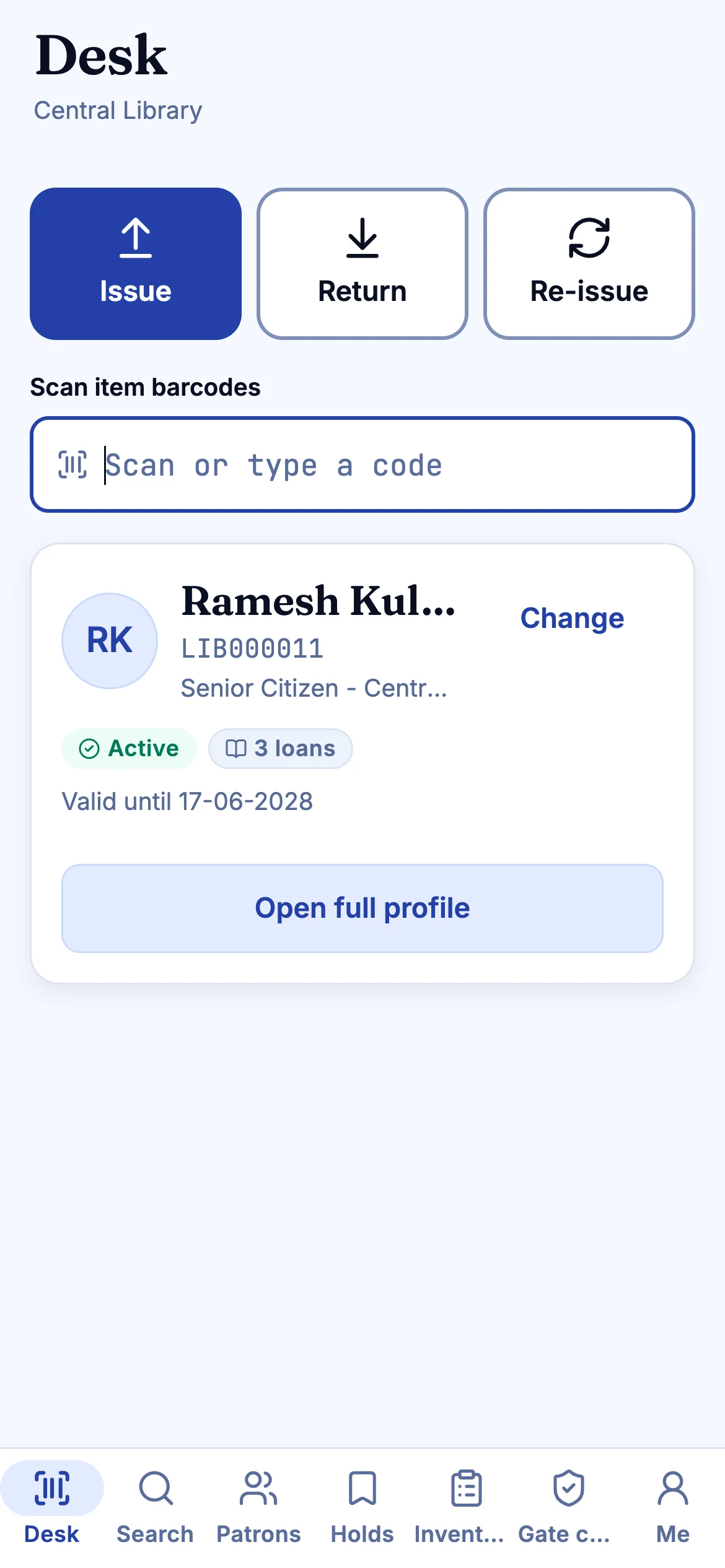
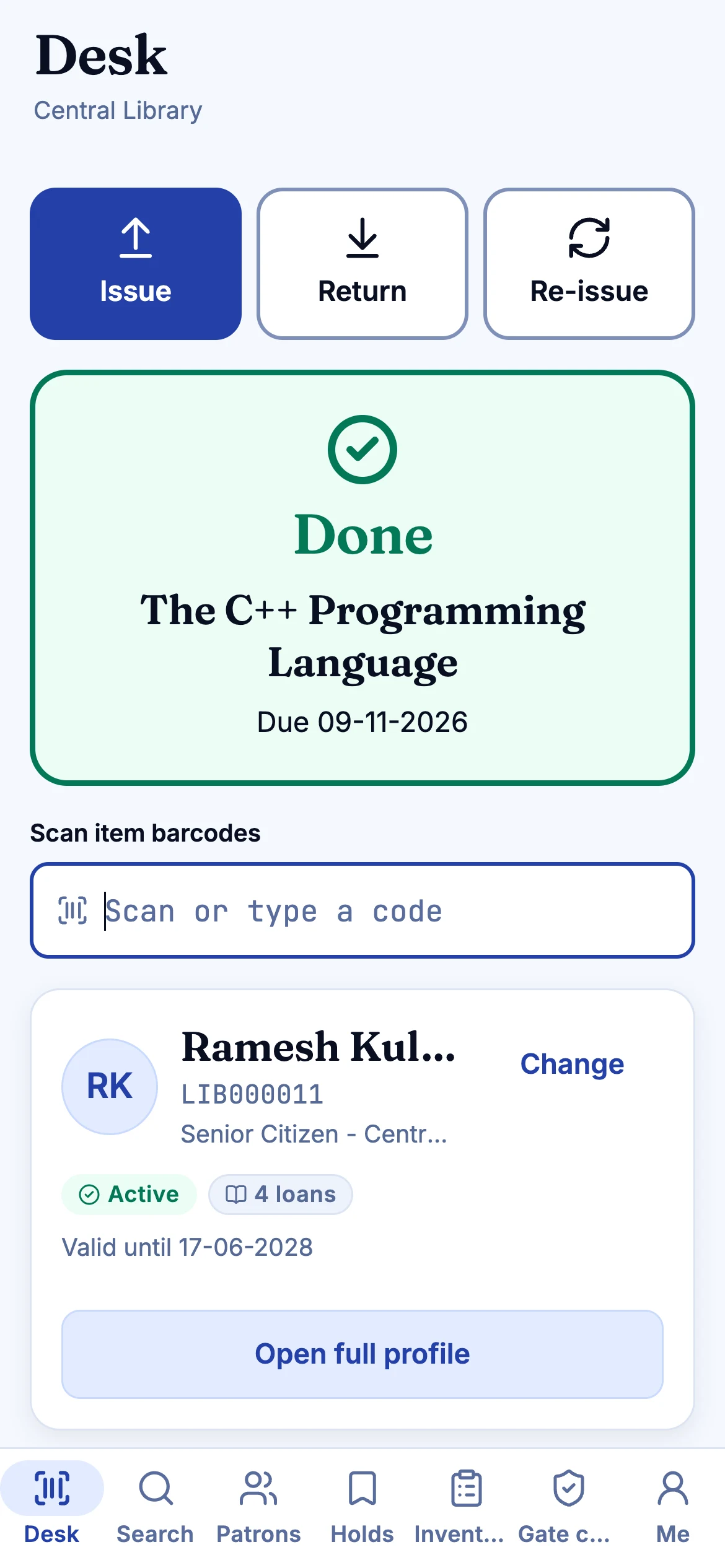
The staff desk, handheld
Scan a card, scan a book, tap Issue. The result appears right there, with the reason when something needs attention.
02
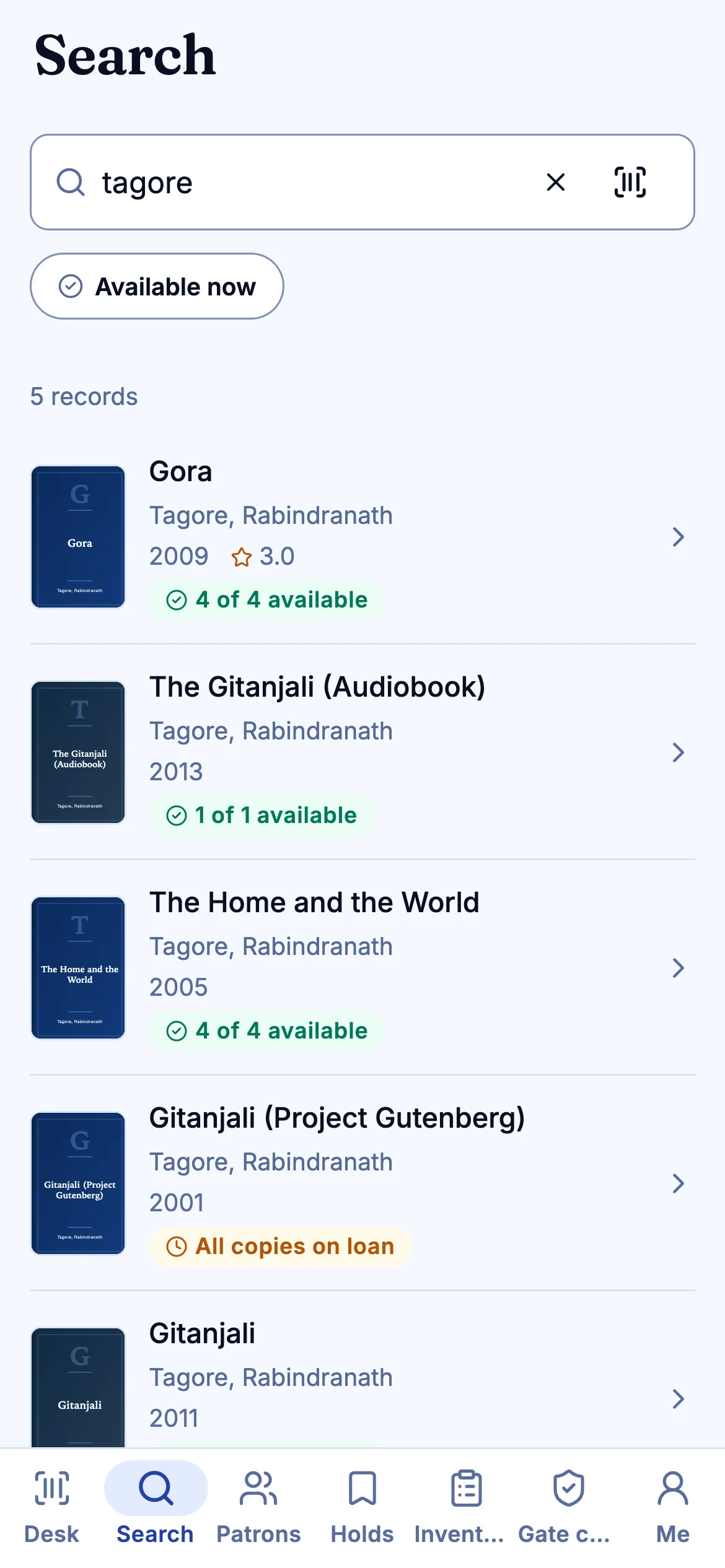
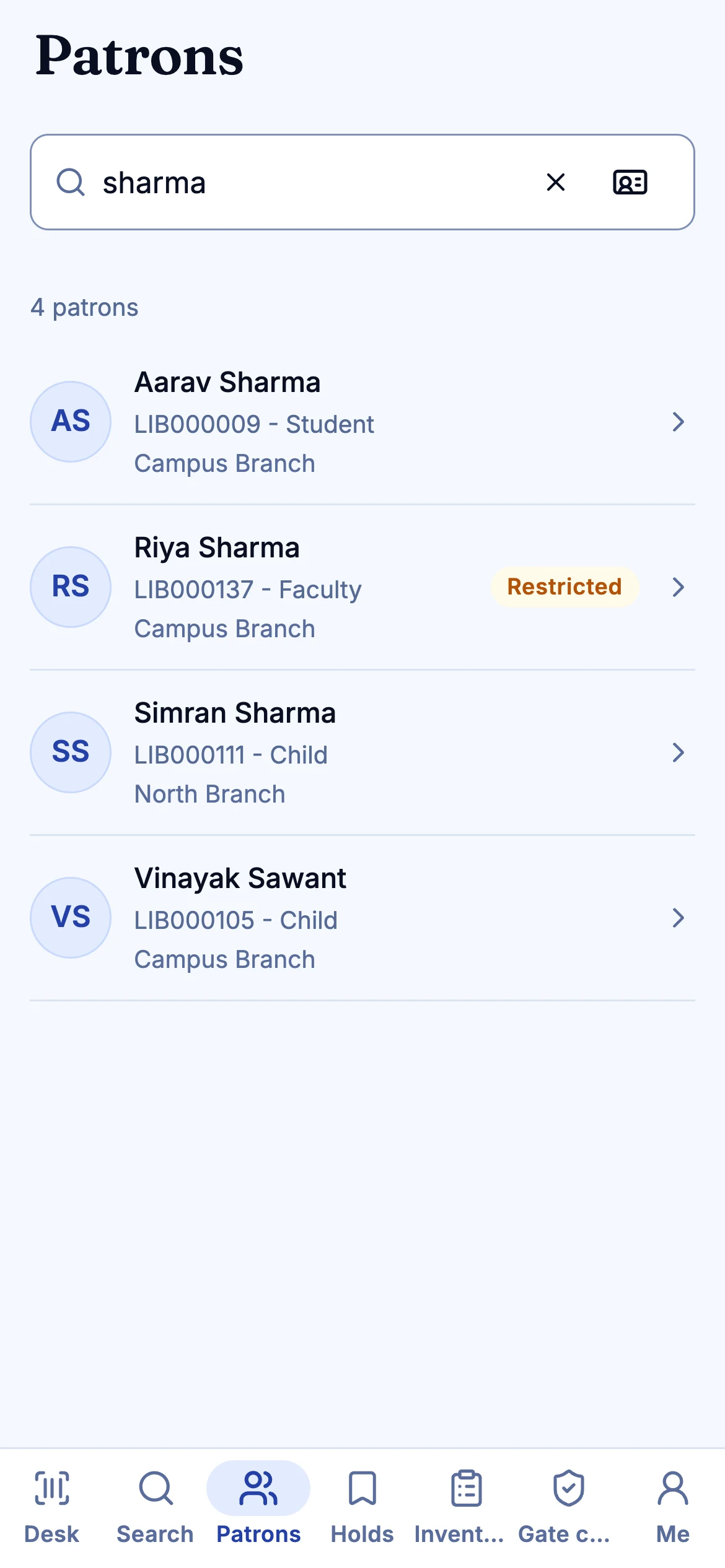
Find a book, find a member
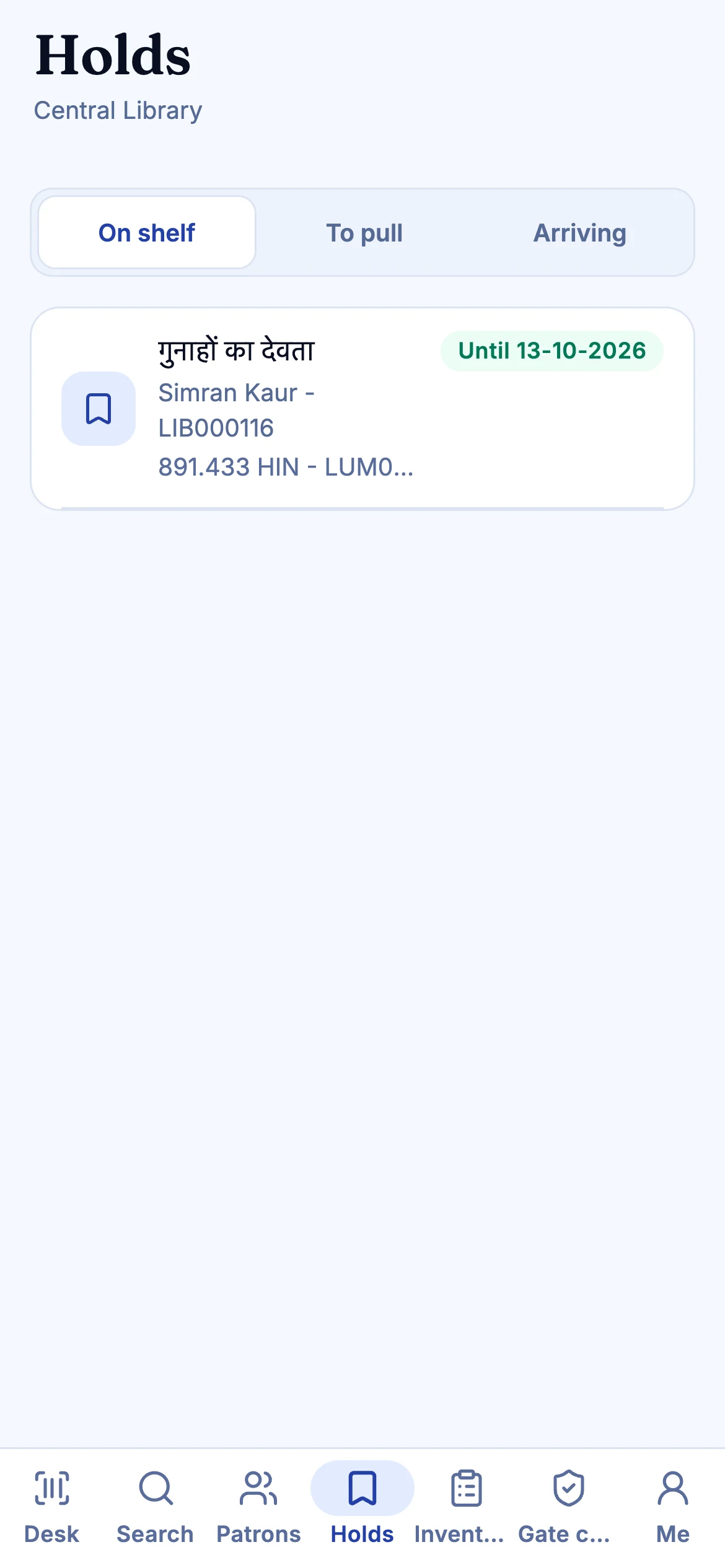
Search the catalogue and patrons from the stacks. Holds and inventory are a tab away, for the roles that need them.
03
Holds and shelf reading
See what is waiting and walk the shelves with a scanner that tolerates a patchy connection.
04
For members
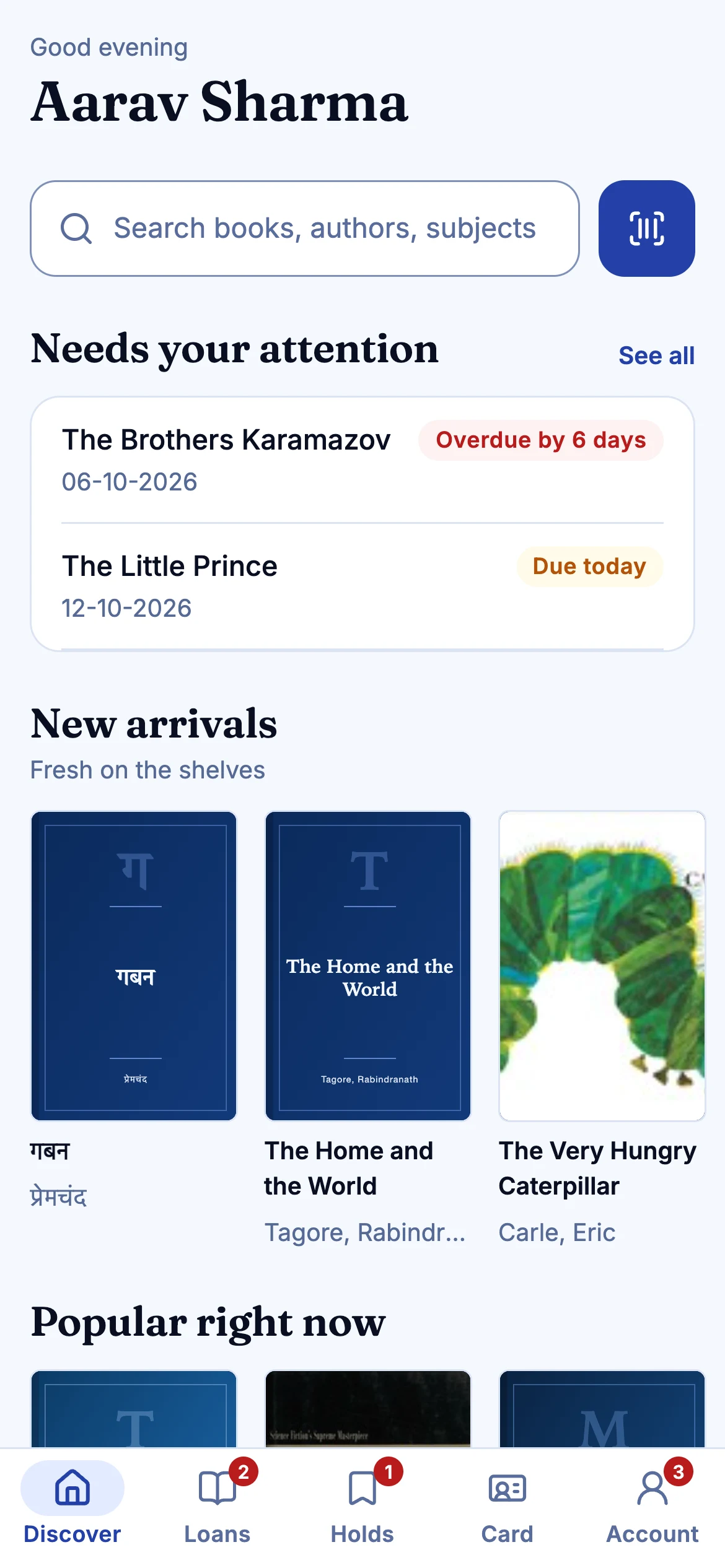
Discover, search, borrow and renew. The library card lives in the app, scannable as barcode or QR.
05
Loans, holds and fines
Everything the member owes and holds, and how to settle it.
Also included
- Hindi and English
- Secure token storage in the platform keychain
- Offline action queue
- The shared sapphire design system
Plainly: not built yet
- App store listings (none yet)
These are in the Koha feature-parity list as Planned. See the roadmap.
Questions
Are the apps on the App Store or Google Play?
Not yet. They are Expo apps built from the same repository; there is no store listing, and they have been verified by code review and unit tests rather than on a range of physical devices. A pilot is the right moment to check them on your own phones.
Keep reading
Gate and kiosk
A guard role that sees only what a guard needs: scan a book's QR and see green, amber or red, who it is issued to and when it is due.
Read moreCirculation
Check-out, check-in, renewals, holds, transfers and fines on a keyboard-first desk.
Read morePatrons and OPAC
Patron records, categories and scannable cards for staff.
Read moreNext step
See your library in Lumina.
Thirty minutes, your questions, and a walk through the desk, the catalogue and the Koha import. No slides.